
Plots
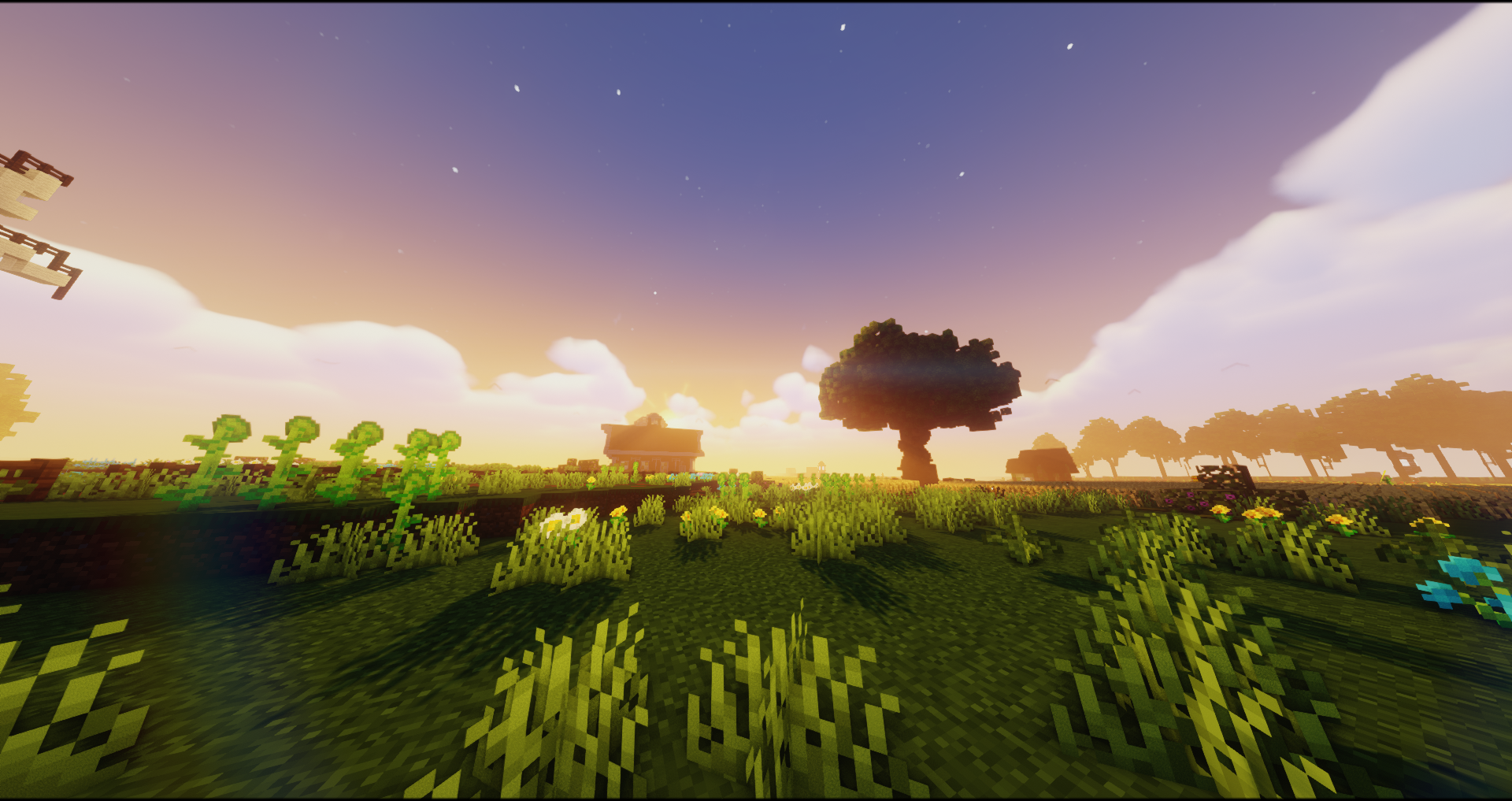
CC Plots is our official Creative Plots server. Claim an empty 512x512 area and start creating anything from small builds to massive structures!
- 512x512 plots
- Free build tools such as WorldEdit and goPaint
- Roleplay features (/nickname, and more coming soon!)
How to Play
Get started on the Plots server by creating a plot using /plot auto or /plot claim on an empty plot. A plot allows players to build and create anything they desire.
Useful Commands
General Commands
/spawn: Teleport to the server spawn//wand: Receive a WorldEdit wand/headdatabase | /hdb: View a list of available player heads for building/co inspect: Enable/disable inspection mode, which allows you to see who modified blocks on your plot- Left-click or right-click to inspect blocks
Plot Commands
/plot home: Teleports you to your plot's home location/plot home <number>: Teleports you to the home location of your xth plot/plot visit <player>: Teleports you to the plot of another player/plot visit <player> <number>: Teleports you to the xth plot of another player/plot add <player>: Adds a player to your plot, allowing them to build on your plot while you are online/plot remove <player>: Removes a player from your plot/plot trust <player>: Trusts a player on your plot, allowing them to build on your plot while you are offline and use WorldEdit on your plot/plot kick <player>: Kicks a player from your plot/plot deny <player>: Denies a player from your plot, preventing them from entering your plot/plot clear: Clears your plot/plot delete: Deletes your plot/plot info: Displays information about your plot/plot music: Plays music on your plot/plot set biome: Sets the biome of your plot/plot flag set: Sets a custom flag on your plot.- Use
/plot flag listto see a list of available flags
- Use
Sponsor and Sponsor+ players can use /plot merge to merge multiple plots into one.